Highlights
Highlight Battle
Organize highlight clips with level and skill tags, then use the sample leaderboard and feedback template to build better clip-review habits.
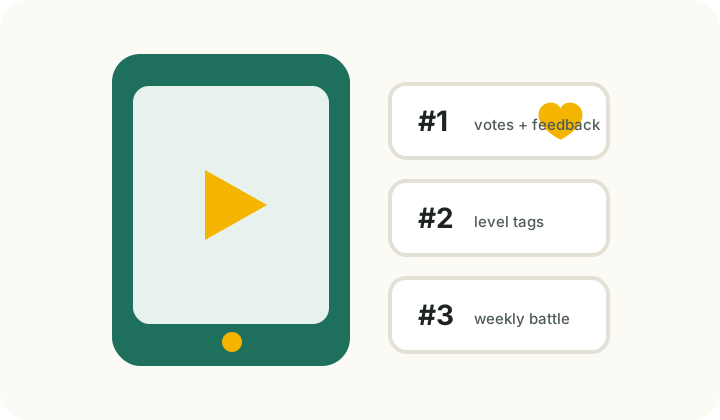
Weekly leaderboard
What makes a useful feedback clip
- Trim the clip to one complete point, ideally 10–45 seconds.
- Add your estimated DUPR level and the skill you want feedback on.
- Avoid showing unnecessary personal information.
- Share clips with other visible players only when you have permission.
Feedback comment template
- Good choice: name one decision that helped the point.
- Next fix: choose one issue — contact point, court position, or ball height.
- Suggested drill: propose a repeatable practice for the same pattern.
Highlight page operating principles
The highlight area is designed as a learning tool, not just a place to show exciting clips. A useful clip shows the full point, movement, shot choice, and one fix the player wants to understand.
In this static version, uploads are not stored on a server. That is intentional: it prevents unreviewed video, personal data, and copyrighted material from becoming public content. A live launch should add review, reporting, deletion requests, copyright checks, and privacy safeguards.
Visitors can use this page as a template for preparing feedback clips. Add the estimated level, the skill you want help with, and the score or match situation to get more specific advice.
- Use one complete point, ideally 10–45 seconds.
- State your level and the exact question.
- Share clips with visible players only when you have permission.